Compatible Hardware
Use Mintcom on Android and Apple tablets, with support for receipt printers, cash drawers and other compatible POS accessories.

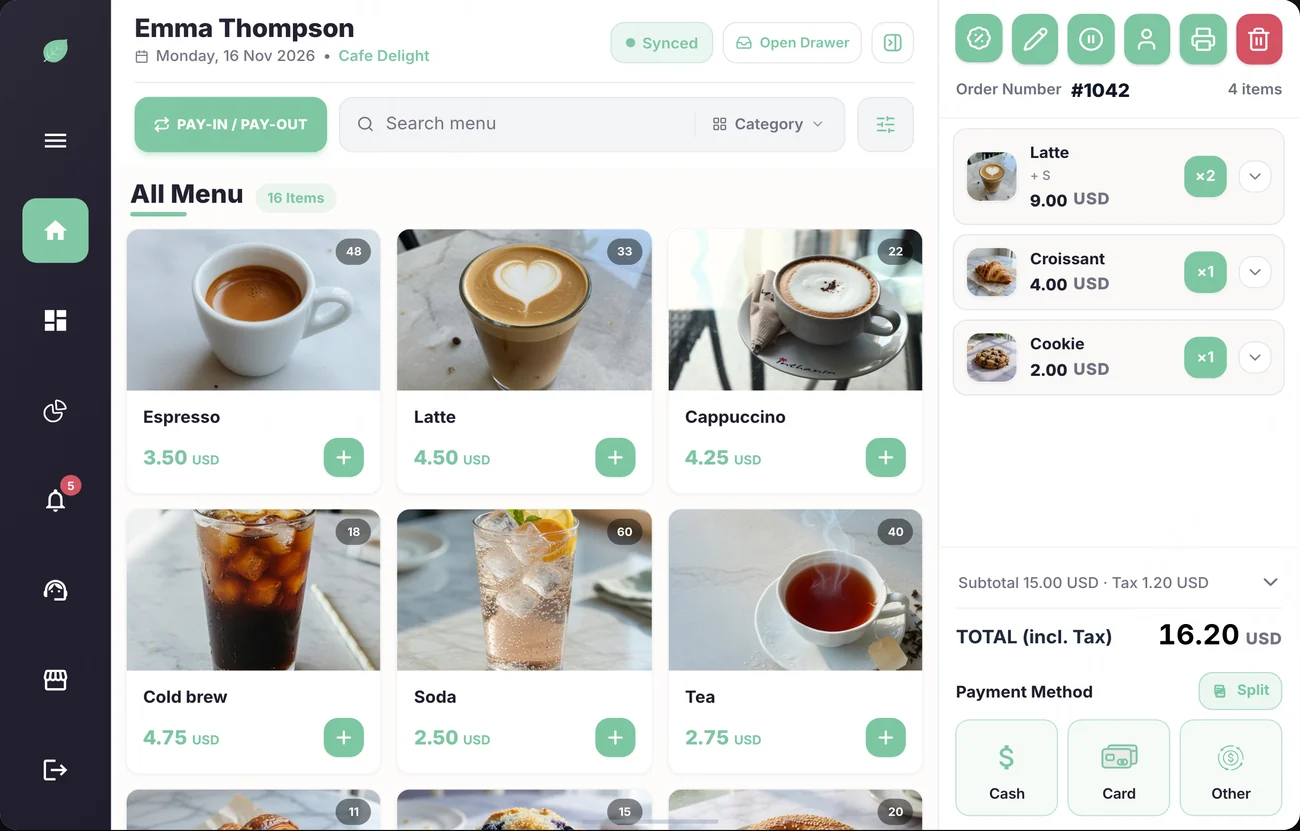
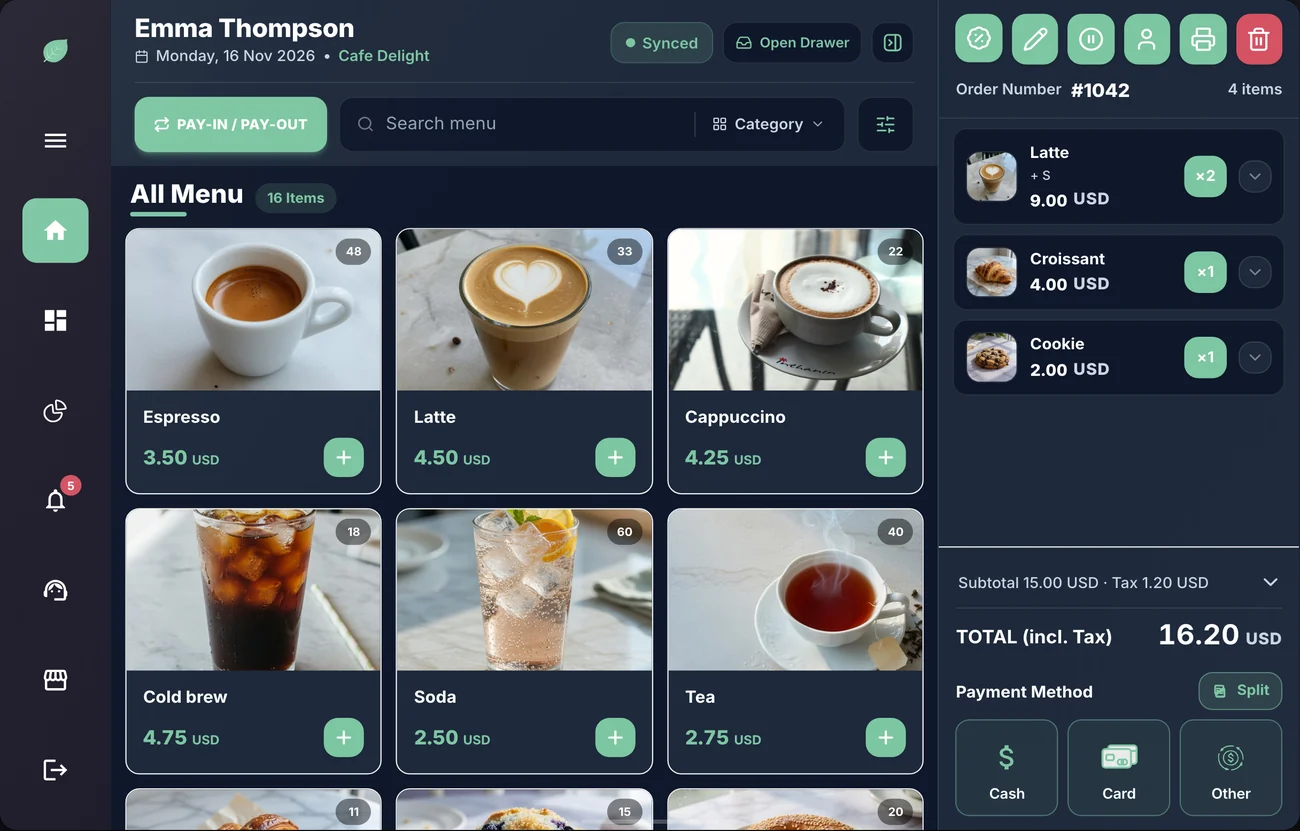
Works on Android 7.0 or later and iPad or iPhone with iOS 15.1 or later. · 26 models
Receipt printers
MUNBYN
MUNBYN Thermal Receipt Printer
iOSAndroid80mm Ethernet/Bluetooth
EthernetBluetooth
Epson
Epson TM-T20III
iOSAndroidStandard 80mm POS Printer
Ethernet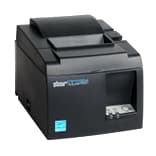
Star Micronics
Star Micronics TSP143
iOSAndroidPremium 80mm High-Speed Printer
Ethernet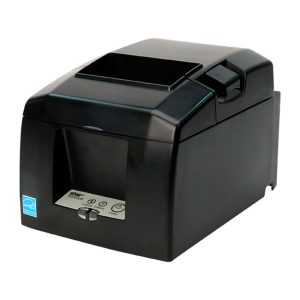
Star Micronics
Star Micronics TSP654II
iOSAndroidReliable 80mm Bluetooth Printer
BluetoothEthernet
Bixolon
Bixolon SRP-350plusIII
iOSAndroidHigh-Speed 80mm Thermal Printer
EthernetBluetooth
Compact printers
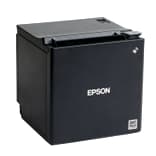
Epson
Epson TM-m30II
iOSAndroidCompact 80mm Receipt Printer
EthernetBluetooth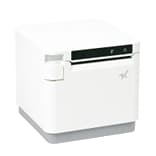
Star Micronics
Star Micronics MC-Print3
iOSAndroidElegant 80mm Cloud-Ready Printer
EthernetBluetoothCloudPRNT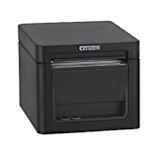
Citizen
Citizen CT-E351
iOSAndroidUltra-Compact 80mm POS Printer
Ethernet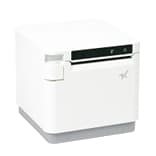
Star Micronics
Star Micronics MC-Print2
iOSAndroidElegant 58mm Receipt Printer
EthernetBluetooth
iPads
Apple
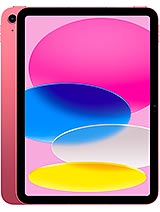
iPad 10th Generation
iOS10.9" Liquid Retina, A14 Bionic
iPadOS 15.1+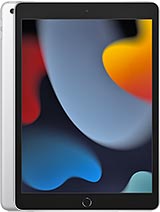
Apple
iPad 9th Generation
iOS10.2" Retina Display, A13 Bionic
iPadOS 15.1+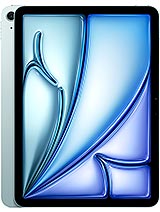
Apple
iPad Air (M2)
iOS11" Liquid Retina, M2 Chip
iPadOS 15.1+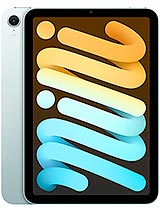
Apple
iPad mini (A17 Pro)
iOS8.3" Liquid Retina, A17 Pro Chip
iPadOS 15.1+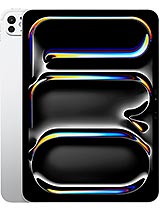
Apple
iPad Pro 11" (M4)
iOS11" Ultra Retina XDR, M4 Chip
iPadOS 15.1+Apple
iPad Pro 13" (M4)
iOS13" Ultra Retina XDR, M4 Chip
iPadOS 15.1+
Android tablets
Samsung
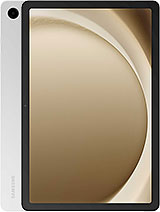
Samsung Galaxy Tab A8
Android10.5" Display, 4GB RAM, 64GB Storage
Android 7.0+Samsung
Samsung Galaxy Tab A9+
Android11" 90Hz Display, 8GB RAM, 128GB Storage
Android 7.0+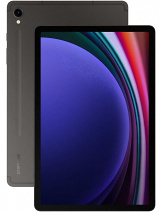
Samsung
Samsung Galaxy Tab S9 FE
Android10.9" Display, 6GB RAM, IP68
Android 7.0+Samsung
Samsung Galaxy Tab S9
Android11" Dynamic AMOLED 2X, 8GB RAM, IP68
Android 7.0+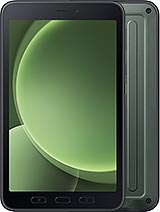
Samsung
Samsung Galaxy Tab Active5
Android8" Rugged Display, 6GB RAM, IP68
Android 7.0+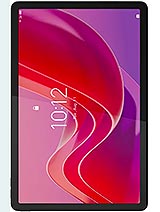
Lenovo
Lenovo Tab M10 Plus
Android10.6" 2K Display, 4GB RAM
Android 7.0+Lenovo
Lenovo Tab M11
Android11" FHD 90Hz Display, 4GB RAM, 128GB Storage
Android 7.0+Lenovo
Lenovo Tab P12
Android12.7" 3K Display, 8GB RAM, 128GB Storage
Android 7.0+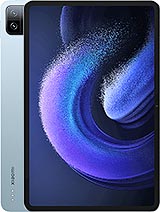
Xiaomi
Xiaomi Pad 6
Android11" WQHD+ 144Hz Display, 8GB RAM
Android 7.0+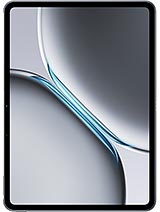
OnePlus
OnePlus Pad 2
Android12.1" 3K 144Hz Display, 8GB RAM, 128GB Storage
Android 7.0+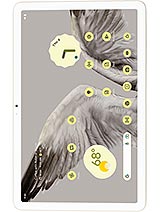
Google
Google Pixel Tablet
Android11" LCD Display, Google Tensor G2, 8GB RAM
Android 7.0+
Hardware Questions
Yes. Mintcom is a standard app for Android and iPad or iPhone, with no locked or proprietary hardware. It runs on Android 7.0 or later and on iOS or iPadOS 15.1 or later. For a smooth counter setup we recommend a mid-range tablet from the last 3 to 4 years.
Any standard ESC/POS thermal receipt printer that connects over the network (Ethernet or Wi-Fi) or Bluetooth. You are not locked into one brand. Epson and Star Micronics models are popular choices. USB-only printers are not supported, so pick a model with a network or Bluetooth connection.
Choose a network printer for fixed counters, kitchens, or when several tablets need to share one printer, since every tablet on the same network can print to it. Choose Bluetooth for single-tablet setups, mobile carts, food trucks, and pop-ups. A Bluetooth printer pairs with one device at a time.
The cash drawer plugs into your receipt printer, usually with an RJ11 or RJ12 cable, and the printer opens it. Once the printer is connected and set as default, staff with the right permission press Open Drawer on the POS to open it, and each open is logged.
Yes. Any handheld scanner that works like a keyboard (HID mode) connects to the tablet over Bluetooth or USB, and the tablet camera can scan QR codes too. Scanners are used to look up customer loyalty cards at the counter. Products are added to the cart by tapping the item or searching by name.
Yes. Mintcom works with no printer at all, and receipts can still be viewed on screen and emailed. To test the full flow, add a Debug Printer under Testing Mode in Printer Settings. It lets you complete sales and preview receipts exactly as a real printer would print them.