All Articles
Browse all help articles and guides
Showing 54 articles
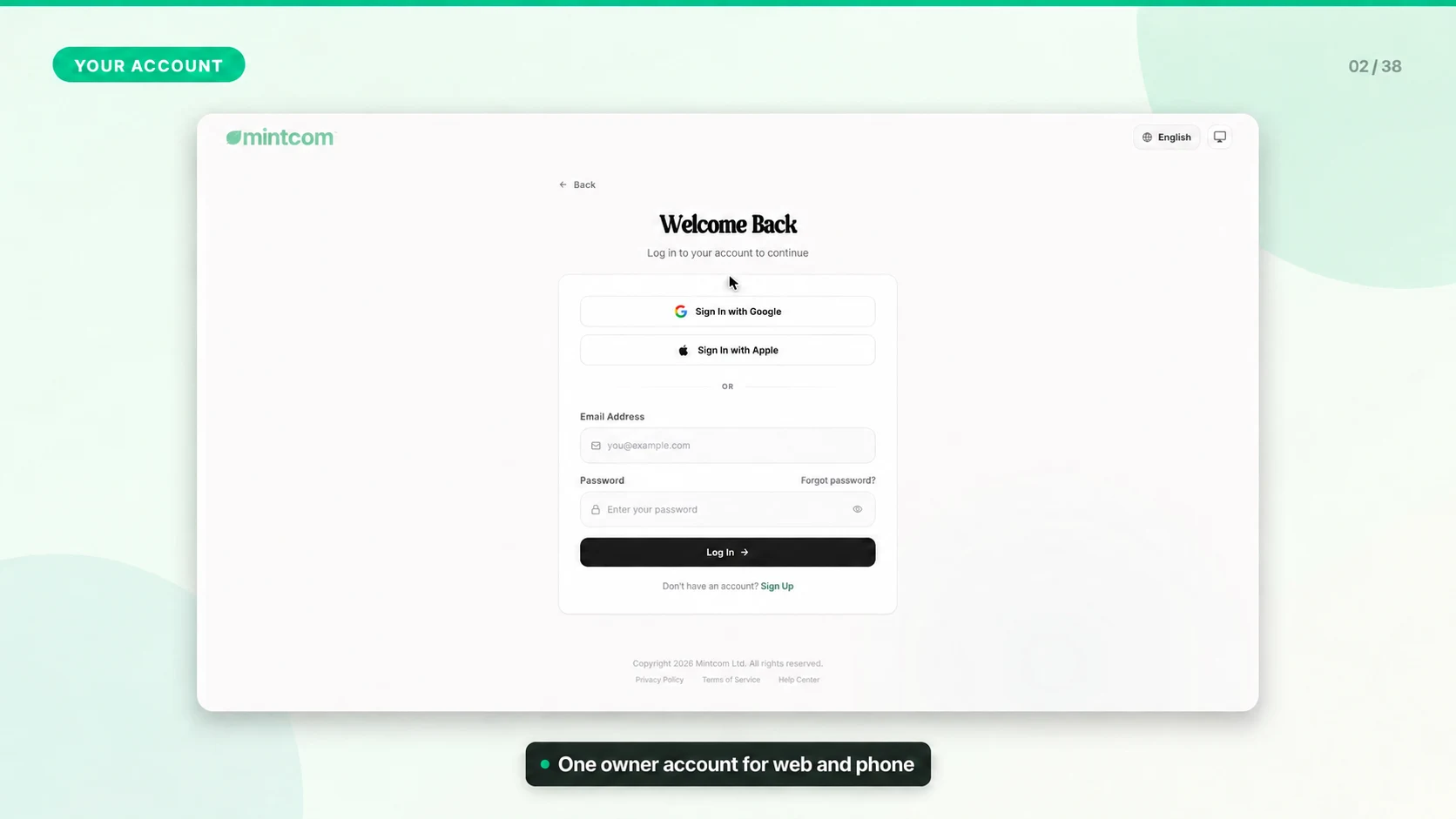 Manage Your Account SettingsUse account settings for owner profile details, security, language preferences, and the establishments your account can access.Setup & Account Access2 min0
- Set Up Your First EstablishmentAn establishment is one physical business location, such as a cafe branch, restaurant, bakery, kiosk, or retail store.Setup & Account Access2 min0
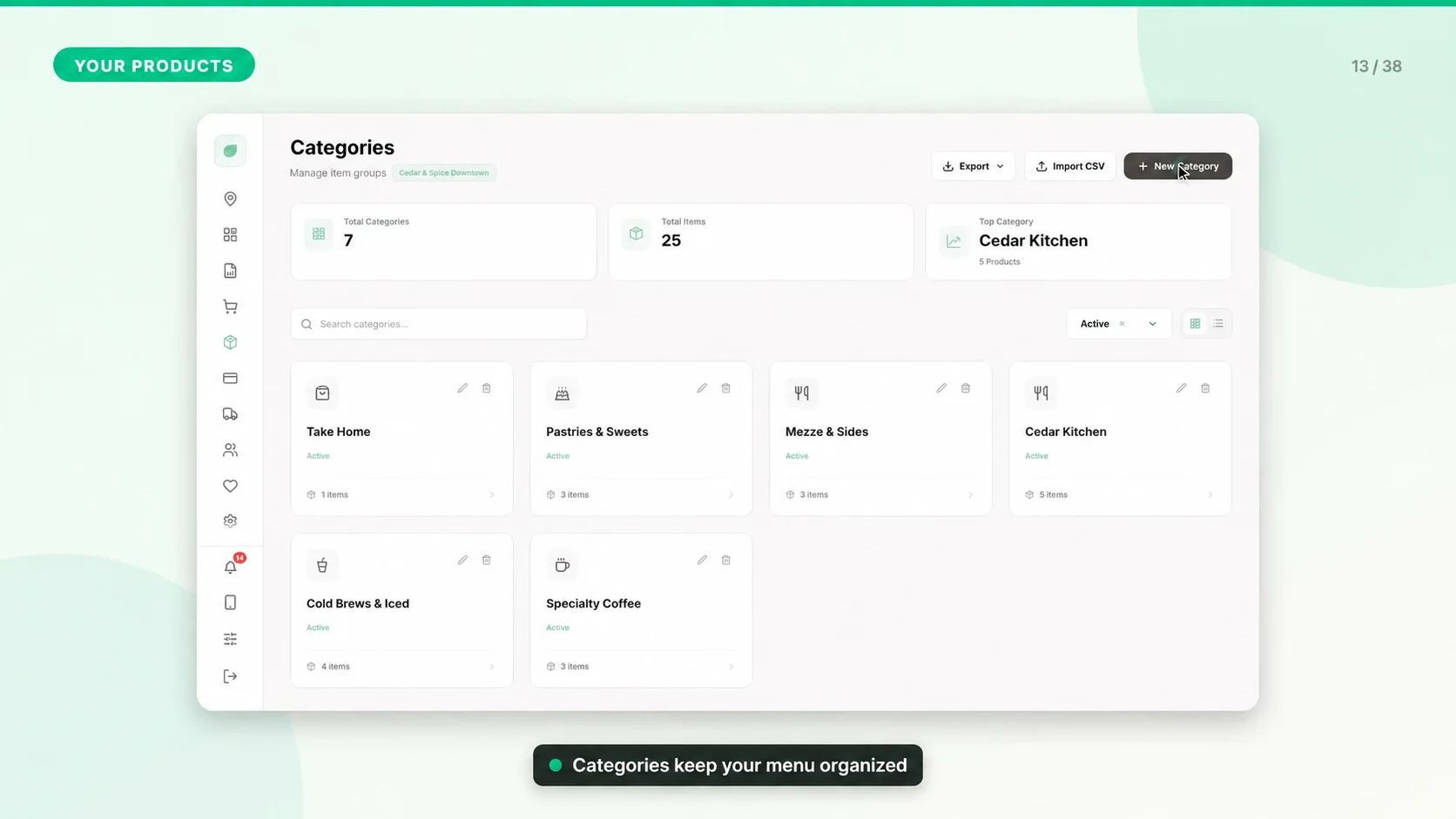 Add Your First ProductProducts are the sellable items that appear in the POS. Build them carefully so checkout, reports, inventory, and receipts stay accurate.Setup & Account Access2 min0
- Set Up Store Payment MethodsStore payment methods control what cashiers can choose during checkout, such as cash, card, delivery app, voucher, or another custom method.Setup & Account Access1 min0
- Create Staff Accounts and POS PINsGive each employee their own access so sales, discounts, refunds, and cash movements can be traced to the right person. POS sign-in and back-office sign-in serve different purposes.Setup & Account Access2 min0
- Understand Roles and PermissionsMintcom uses role-based access control so each user sees only the screens and actions they are allowed to use.Setup & Account Access2 min0
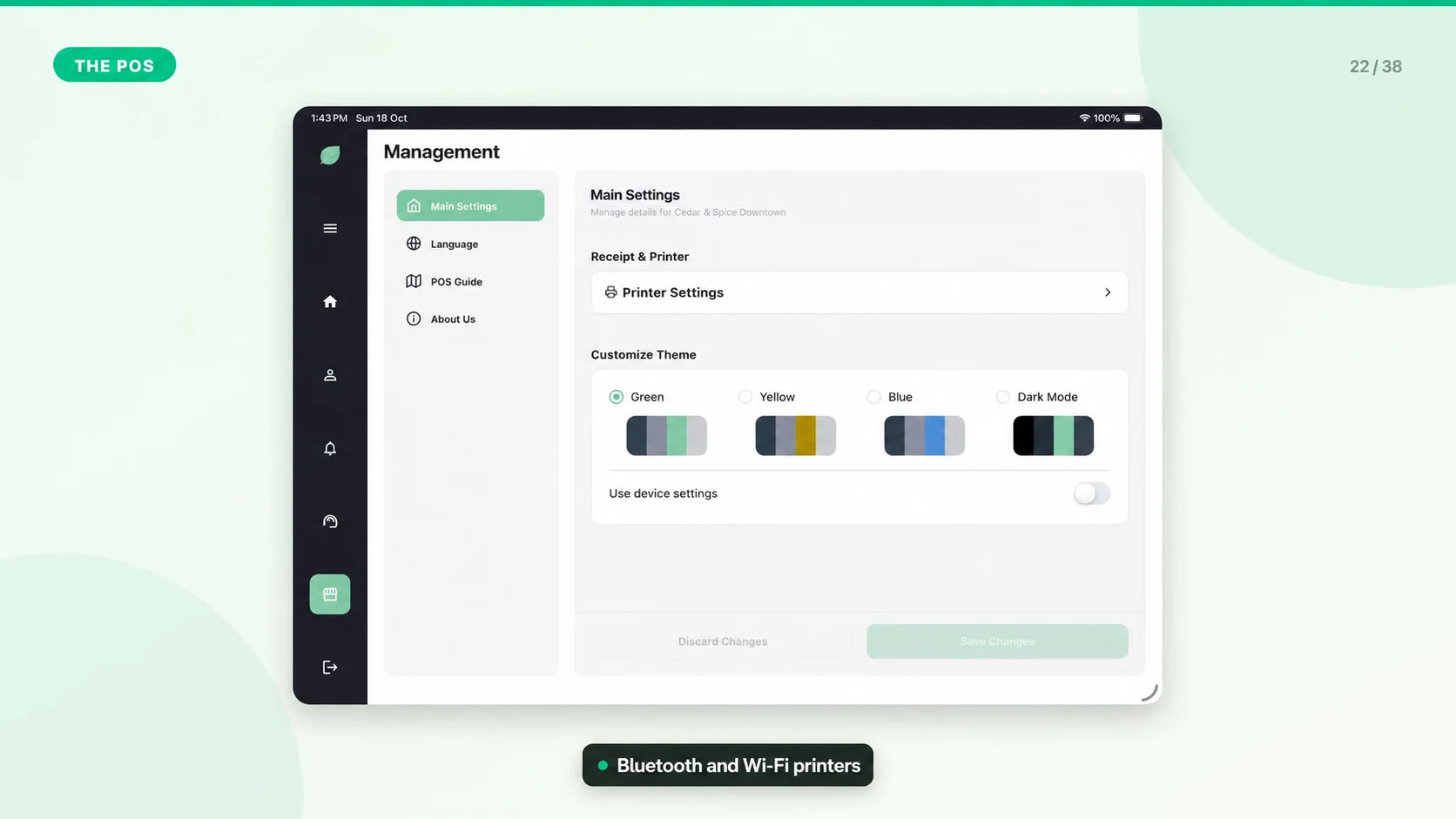 Download and Connect the Mintcom POS AppConnect the device to an establishment first, then let each employee sign in with their own six-digit POS PIN.Setup & Account Access2 min0
- Start Your First ShiftA shift is the active selling period for an establishment or register. It tracks sales, cash movement, and reconciliation.Setup & Account Access1 min0
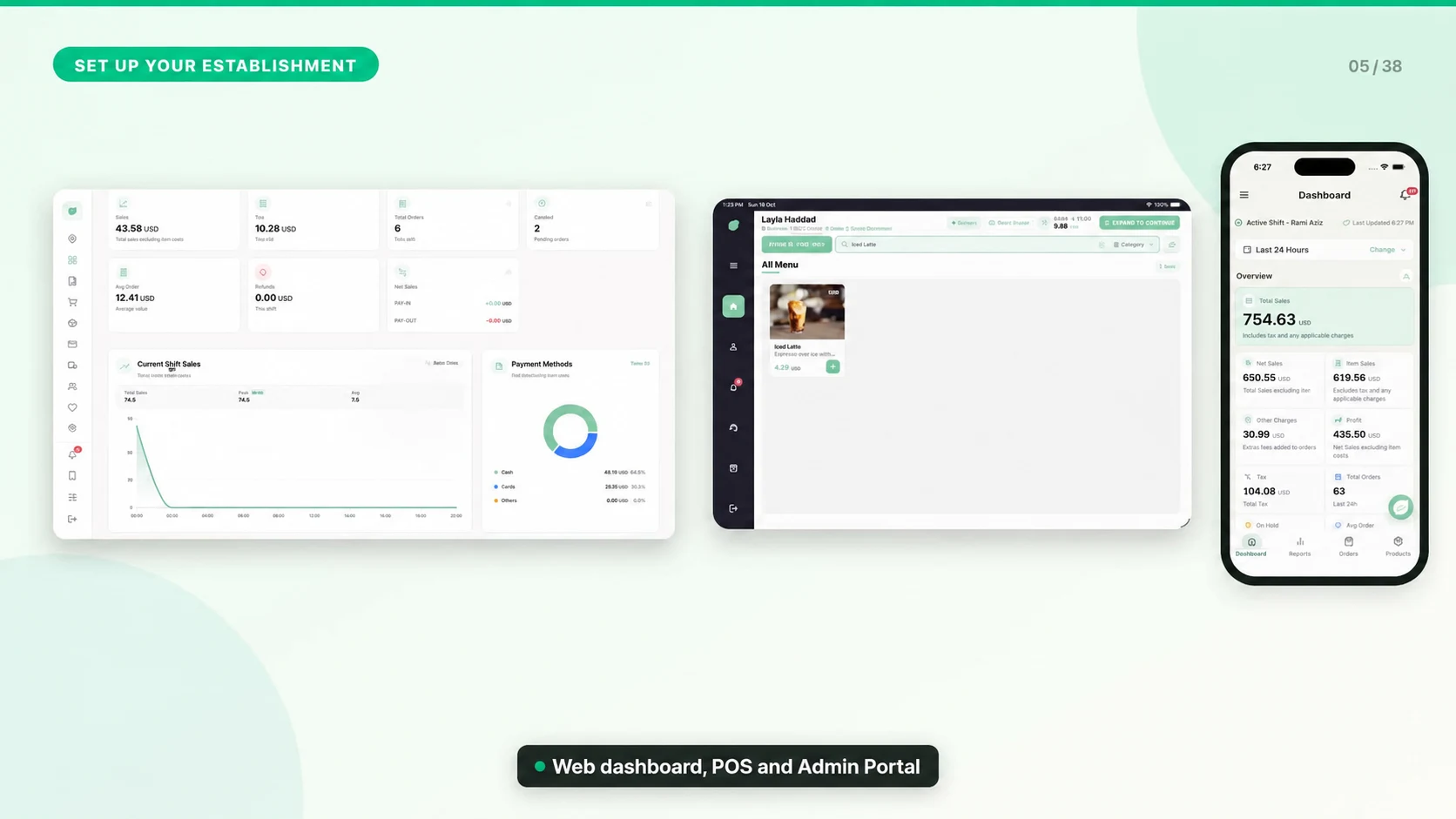 Understand Billing StatusBilling status tells you whether an establishment is in trial, active, past due, suspended, canceled, or scheduled to cancel at the end of the current period.Owner, Billing & Brands1 min0
- Manage Subscription Payment MethodsSubscription payment methods are the cards used to pay Mintcom invoices. They are separate from the in-store payment methods cashiers use at checkout.Owner, Billing & Brands1 min0
- Manage Billing Payment MethodsUse this article when you need to add, change, remove, or set the default card used for Mintcom subscription billing.Owner, Billing & Brands1 min0
- Understand Subscription PlansMintcom uses simple per-establishment pricing with monthly and yearly billing options.Owner, Billing & Brands1 min0
- Invoice Management GuideInvoices and billing history help owners confirm what was charged, when it was charged, and which establishment the charge belongs to.Owner, Billing & Brands1 min0
- Configure Sales Tax and Product Tax RatesSet up tax before taking live sales. Mintcom supports a default sales tax and custom rates assigned to products; tax treatment should match your business requirements.Owner, Billing & Brands2 min0
- Refund Full Orders or Selected ItemsUse refunds for completed sales and keep a clear reason for every reversal. A refund record in Mintcom and returning money through an external payment provider are separate checks.Owner, Billing & Brands2 min0
- Manage Multi-Establishment BillingOwners can manage billing across multiple establishments from the Owner Billing page.Owner, Billing & Brands1 min0
- Connect Your Receipt PrinterReceipt printer setup depends on the printer model and connection type. Mintcom is designed around common thermal receipt printer workflows.Devices, Sync & Troubleshooting1 min0
- Network and Connectivity SetupStable connectivity keeps dashboard data, orders, reports, billing, support tickets, and settings in sync.Devices, Sync & Troubleshooting1 min0
- Printer Setup and ConfigurationUse printer settings to make receipts match your business and to reduce staff friction at checkout.Devices, Sync & Troubleshooting1 min0
- Keep the App Running SmoothlyPerformance depends on device health, network quality, browser/app version, and report size.Devices, Sync & Troubleshooting1 min0
- Data Backup and RecoveryMintcom stores operational data through the cloud backend, while some session and fallback data is stored locally in the browser or POS device.Devices, Sync & Troubleshooting1 min0
- Browser Compatibility GuideMintcom web dashboard is built for modern browsers and responsive screens.Devices, Sync & Troubleshooting1 min0
- Security Best PracticesSecurity in Mintcom combines secure authentication, permissions, careful staff setup, and good operating habits.Devices, Sync & Troubleshooting1 min0
- Device RequirementsMintcom is designed to work on standard business devices rather than proprietary POS hardware.Devices, Sync & Troubleshooting1 min0
- Error Codes and Common MessagesMost Mintcom errors are shown as clear messages rather than public numeric codes. Use the message, page, and action to decide what to do next.Devices, Sync & Troubleshooting1 min0
- API Integration GuideMintcom uses authenticated APIs internally for the website, dashboard, owner portal, reports, support tickets, and billing. This website does not expose a public self-service API key screen.Devices, Sync & Troubleshooting1 min0
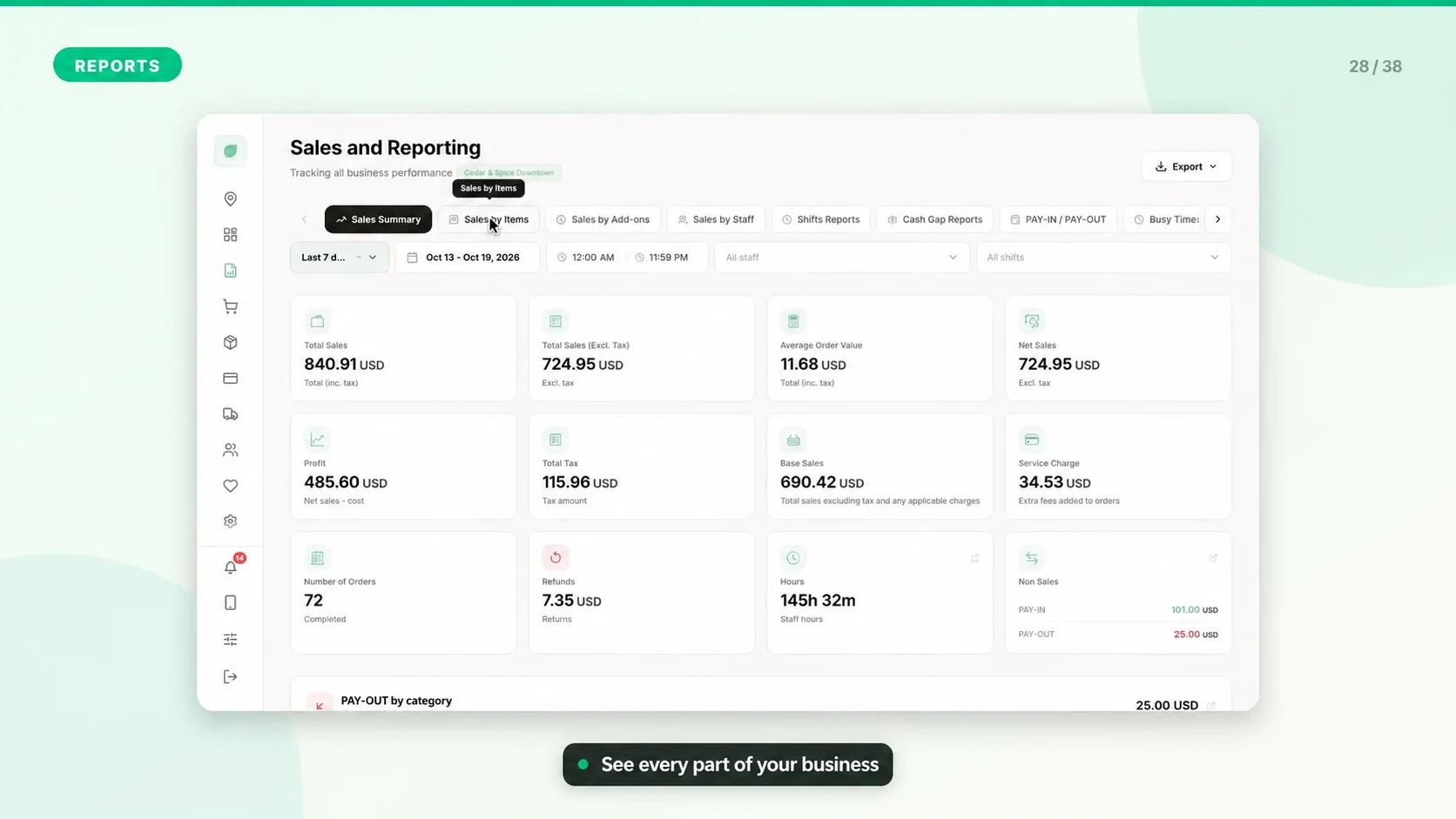 Understand Your Sales ReportsReports turn sales, payments, discounts, taxes, items, shifts, and cash movement into information owners can act on.POS, Inventory & Reports1 min0
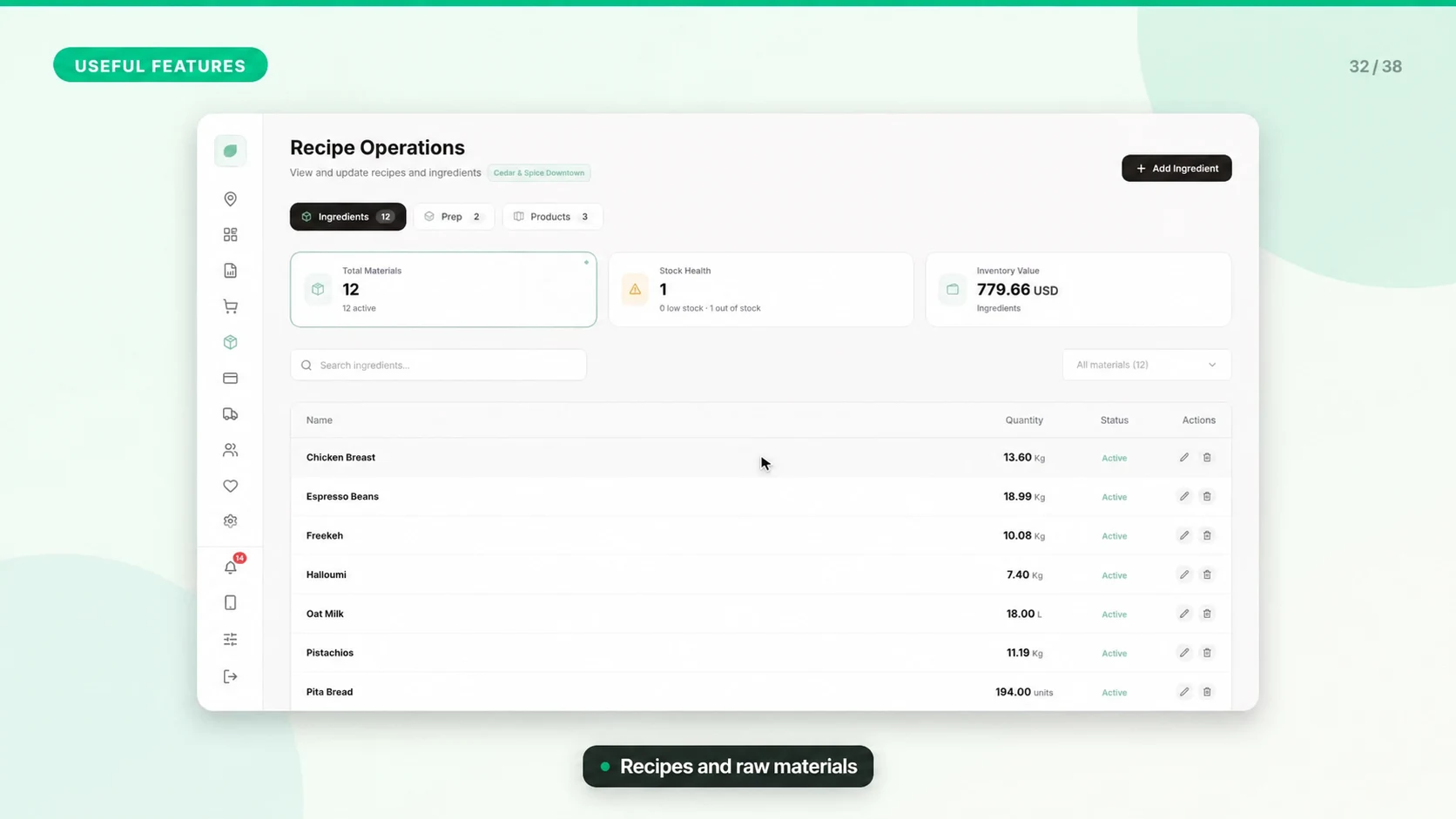 Recipe Operations GuideRecipe operations connect sellable products with materials, sub-recipes, and final recipes so stock and preparation stay organized.POS, Inventory & Reports1 min0
- Staff Roles and PermissionsStaff management controls who can sell, refund, discount, manage products, view reports, and change settings.POS, Inventory & Reports1 min0
- Customer Loyalty ProgramMintcom includes customer and loyalty tools for tracking customers, rewards, and engagement workflows.POS, Inventory & Reports1 min0
- Discount ManagementDiscounts can increase sales, but they also affect revenue, staff accountability, and reports.POS, Inventory & Reports1 min0
- Receipt CustomizationReceipt settings control what customers see after checkout and what details appear for accounting or compliance.POS, Inventory & Reports1 min0
- Multi-Establishment ManagementMintcom supports owners who operate more than one establishment or brand.POS, Inventory & Reports1 min0
- Payment Methods SetupOperational payment methods define how completed sales are labeled in orders and reports.POS, Inventory & Reports1 min0
- Add-ons and Modifiers GuideAdd-ons and modifiers let customers customize products with options such as size, milk type, toppings, extras, or preparation choices.POS, Inventory & Reports1 min0
- Offline Mode and Data SyncMintcom is designed to tolerate connectivity problems in POS operations, but offline capability depends on the app workflow and the action being performed.POS, Inventory & Reports1 min0
- Verifying Email and Resetting PasswordEmail verification and password recovery keep the business account secure and make sure important billing, ticket, and system messages reach the right person.Setup & Account Access1 min0
- Choosing the Right Business StructureSetting up the correct business, branch, staff, and register structure early prevents reporting confusion later.Setup & Account Access1 min0
- Launch Checklist Before First SaleUse this checklist before taking the first live order so checkout, receipts, reporting, and billing start cleanly.Setup & Account Access1 min0
- What Happens When Payment FailsA failed subscription payment usually means the card was declined, expired, blocked by the bank, or the billing method needs customer authentication.Owner, Billing & Brands1 min0
- Canceling or Resuming a SubscriptionSubscription changes should be handled carefully because cancellation can affect access to paid features and branch operations.Owner, Billing & Brands1 min0
- Billing Access and Owner PermissionsBilling information should be limited to owners or trusted finance users because it can expose invoices, plans, and payment actions.Owner, Billing & Brands1 min0
- Uploading Images and LogosGood images improve product recognition and brand presentation, but oversized or unsupported files can slow the dashboard or fail to upload.Devices, Sync & Troubleshooting1 min0
- Using Support Tickets EffectivelyA clear support ticket helps the team reproduce the issue faster and reduces back-and-forth questions.Devices, Sync & Troubleshooting1 min0
- Fixing Permission Denied MessagesPermission messages usually mean the signed-in user role does not allow the action, the account is in the wrong business context, or access was changed by an admin.Devices, Sync & Troubleshooting1 min0
- Hold and Resume OrdersHolding orders is useful when a customer needs more time, a table wants to add items later, or staff need to switch tasks without losing the cart.POS, Inventory & Reports1 min0
- Pay-In and Pay-Out Cash TrackingPay-in and pay-out entries explain why the cash drawer total changed outside normal sales and refunds.POS, Inventory & Reports2 min0
- Import Products from CSV or ExcelUse Dashboard > Migration to move a catalog into Mintcom with column matching, validation, and an import preview. The uploader accepts CSV, XLSX, and XLS files.POS, Inventory & Reports2 min0
- Fix POS PIN Login and Reconnect a DeviceUse this guide when a staff PIN is rejected, the PIN pad is missing, or the tablet asks to reconnect. Check the message before resetting anything.Setup & Account Access2 min0
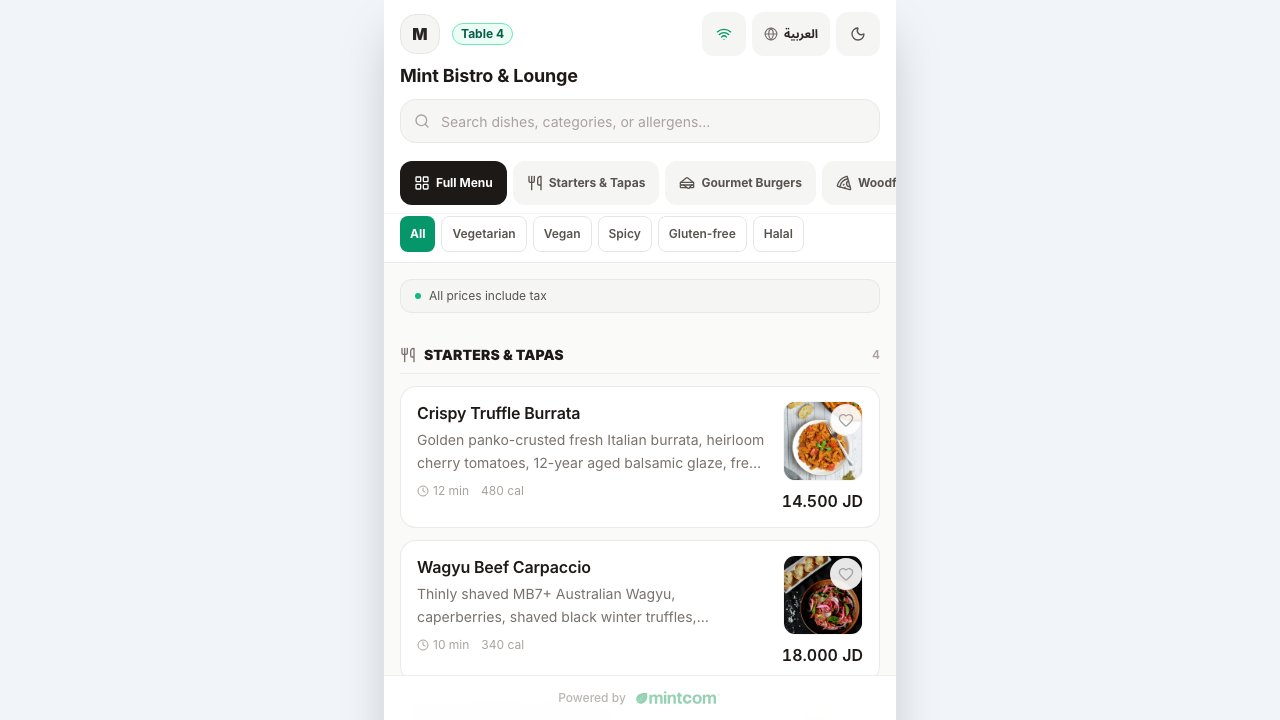 Publish a QR Digital Menu for Your RestaurantCreate a customer-facing menu from your establishment's products, then preview it on a phone before placing QR codes on tables.POS, Inventory & Reports2 min0
- Reconcile a Register Shift and Investigate Cash DifferencesUse the shift record to explain every movement in the drawer, then compare the expected cash with a physical count. Sales revenue and cash in the drawer are different totals.POS, Inventory & Reports2 min0
- Check Stock, Materials, and Recipe QuantitiesStart with the type of stock you need to control: a sellable product, a raw material, or a prepared recipe. Mixing them can make stock adjustments misleading.POS, Inventory & Reports2 min0
- Use Activity Logs to Investigate Business ChangesActivity logs help authorized users understand who performed an action and when. Use them with the original record rather than treating one log entry as the complete business story.Devices, Sync & Troubleshooting2 min0
- Compare Reports Without Mixing Dates or BranchesBefore comparing totals, make sure both reports describe the same establishment, period, filters, and type of value. Many apparent discrepancies come from different scopes.POS, Inventory & Reports2 min0