Set Up Your First Establishment
An establishment is one physical business location, such as a cafe branch, restaurant, bakery, kiosk, or retail store.
First-Time Setup Path
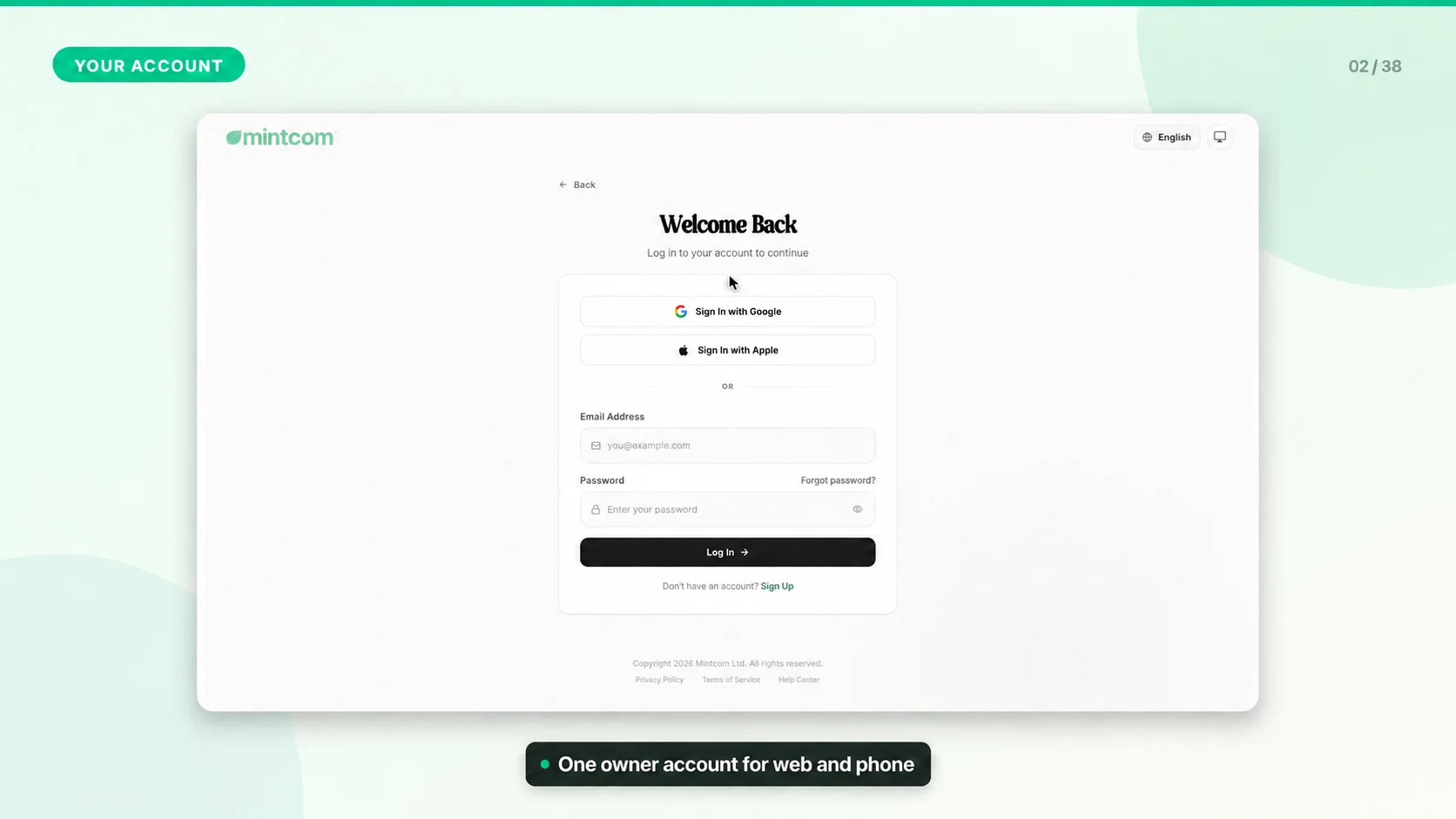
1. Create your Mintcom account.
2. Verify your email address.
3. Complete onboarding for the first establishment.
4. Enter the business name, type, address, currency, and establishment details.
5. Create the Location ID and location password for connecting POS devices. Staff then sign in with individual six-digit PINs.
6. Add products, categories, staff, payment methods, tax, and receipt settings.
If You Already Have a Brand
Use the Owner Portal instead of repeating onboarding. Owners can add another establishment, connect it to a brand, and manage multi-establishment billing from one place.
Setup Checklist
- Confirm the correct currency before the team starts selling.
- Set the tax rate and receipt details before printing live receipts.
- Add at least one category and one product before testing the POS app.
- Create staff accounts and assign only the permissions each employee needs.
- Run one test sale and one refund before going live.