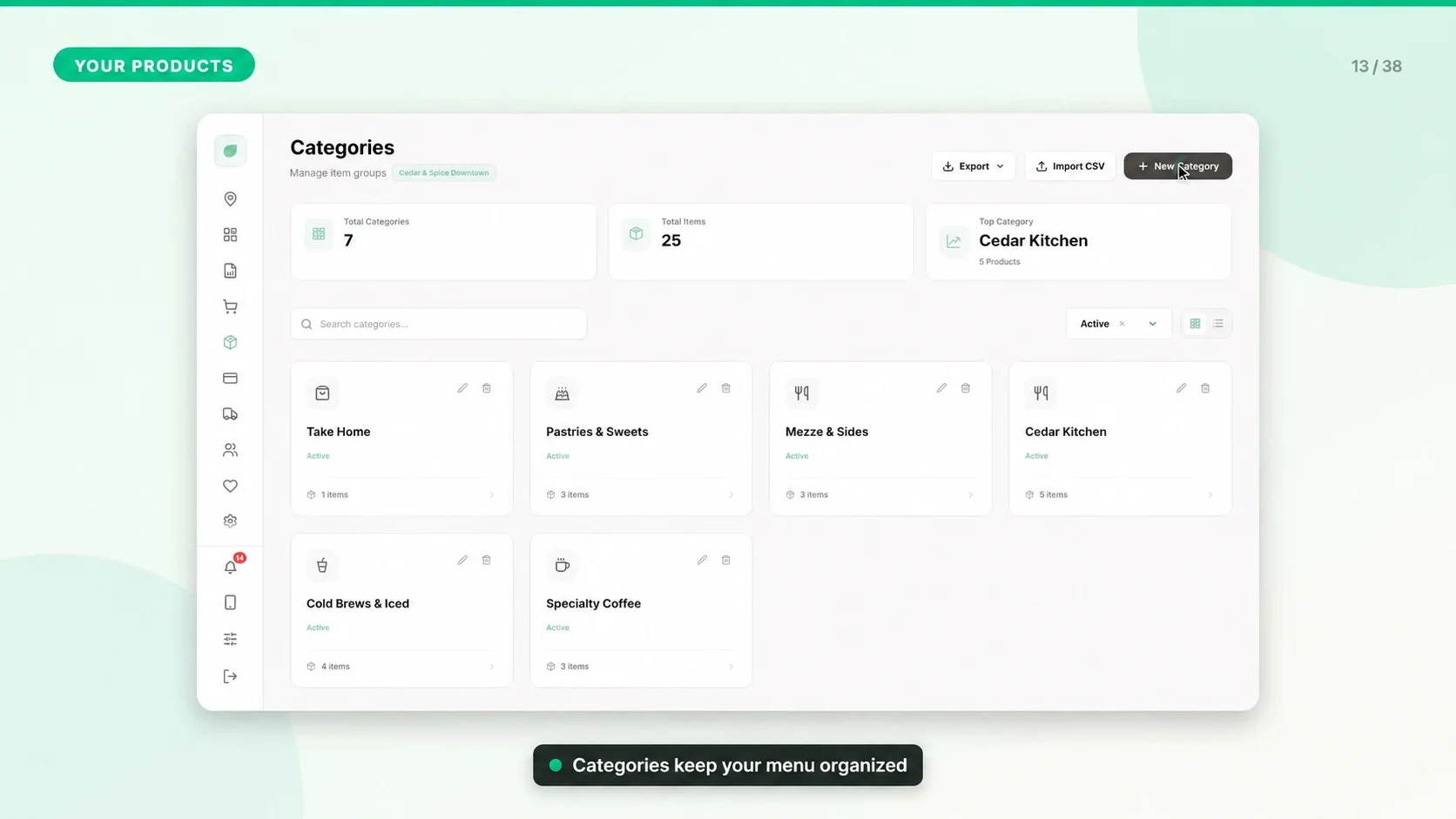
Add Your First Product
Products are the sellable items that appear in the POS. Build them carefully so checkout, reports, inventory, and receipts stay accurate.
Create the Product
1. Open Dashboard > Products.
2. Select Add Product.
3. Enter the product name, price, and category.
4. Add an image if you want the POS menu to be easier to scan.
5. Configure tax behavior, stock tracking, and recipe details if needed.
6. Attach add-ons or modifiers if customers can customize the item.
7. Save the product and confirm it appears in the POS menu.
Recommended Fields
- Name: Use the same naming style across your menu.
- Price: Enter the selling price, not the cost.
- Category: Assign every product to a category so cashiers can find it quickly.
- Stock tracking: Enable it only when the item needs quantity control.
- Recipe data: Link ingredients when the item consumes raw materials or prepared batches.
Quality Check
After saving, process a small test order, check the receipt, then confirm reports and product stock show the expected result.