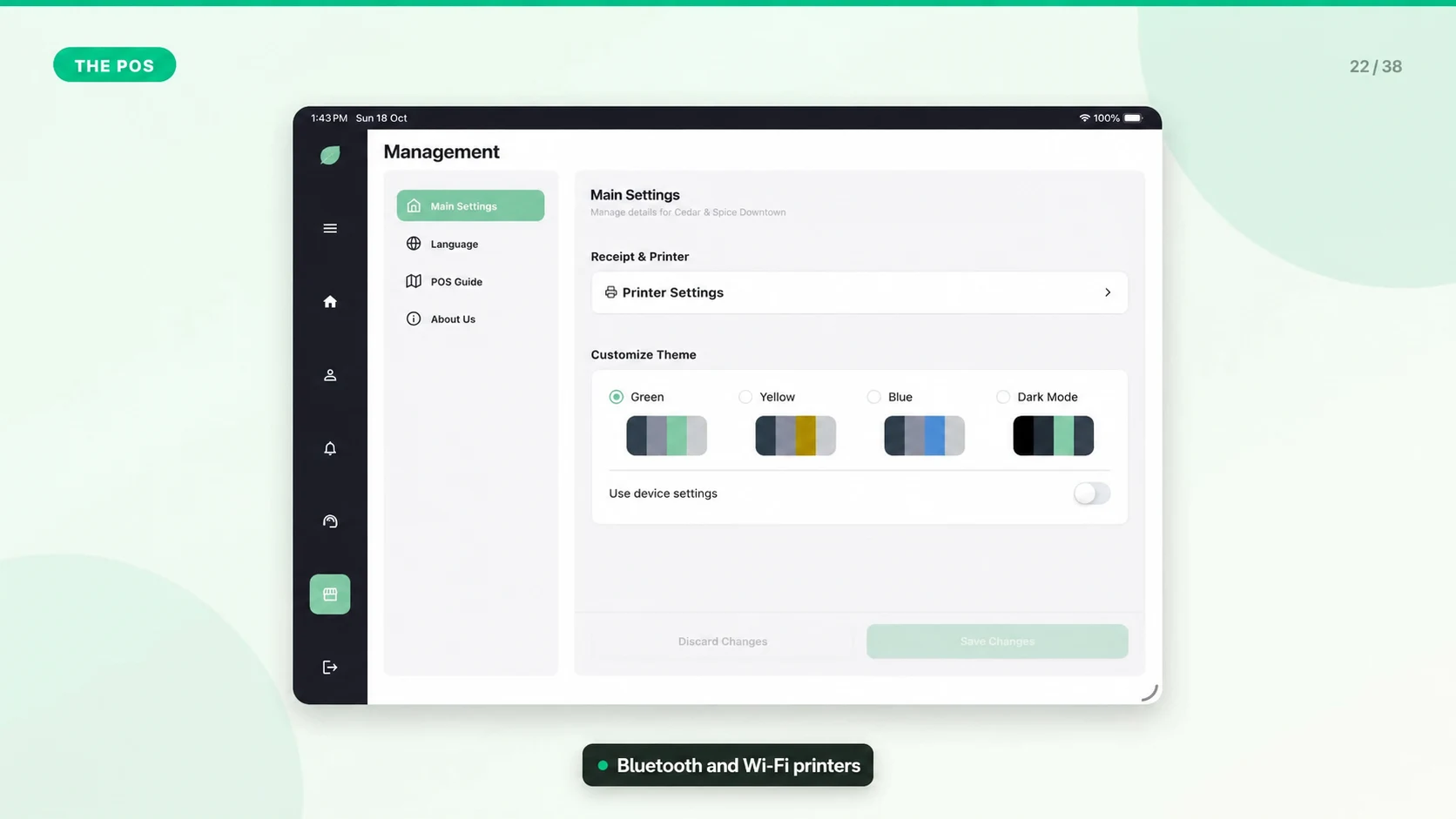
Connect Your Receipt Printer
Receipt printer setup depends on the printer model and connection type. Mintcom is designed around common thermal receipt printer workflows.
Basic Checklist
- Confirm the printer is powered on.
- Load paper correctly and close the cover.
- Use a compatible network or Bluetooth printer and check that its model and connection are supported by your POS device before purchase.
- Keep the POS device and printer on the same network when using network printing.
- Print a test receipt before the first live sale.
In Mintcom
1. Open the store settings or receipt/printer setup area.
2. Select or reconnect the printer.
3. Save the receipt settings.
4. Run a test print.
If Printing Fails
- Restart the printer and POS device.
- Check pairing, network, and paper.
- Confirm another device is not holding the printer connection.
- Contact support with the printer model, connection type, device model, and the error shown.