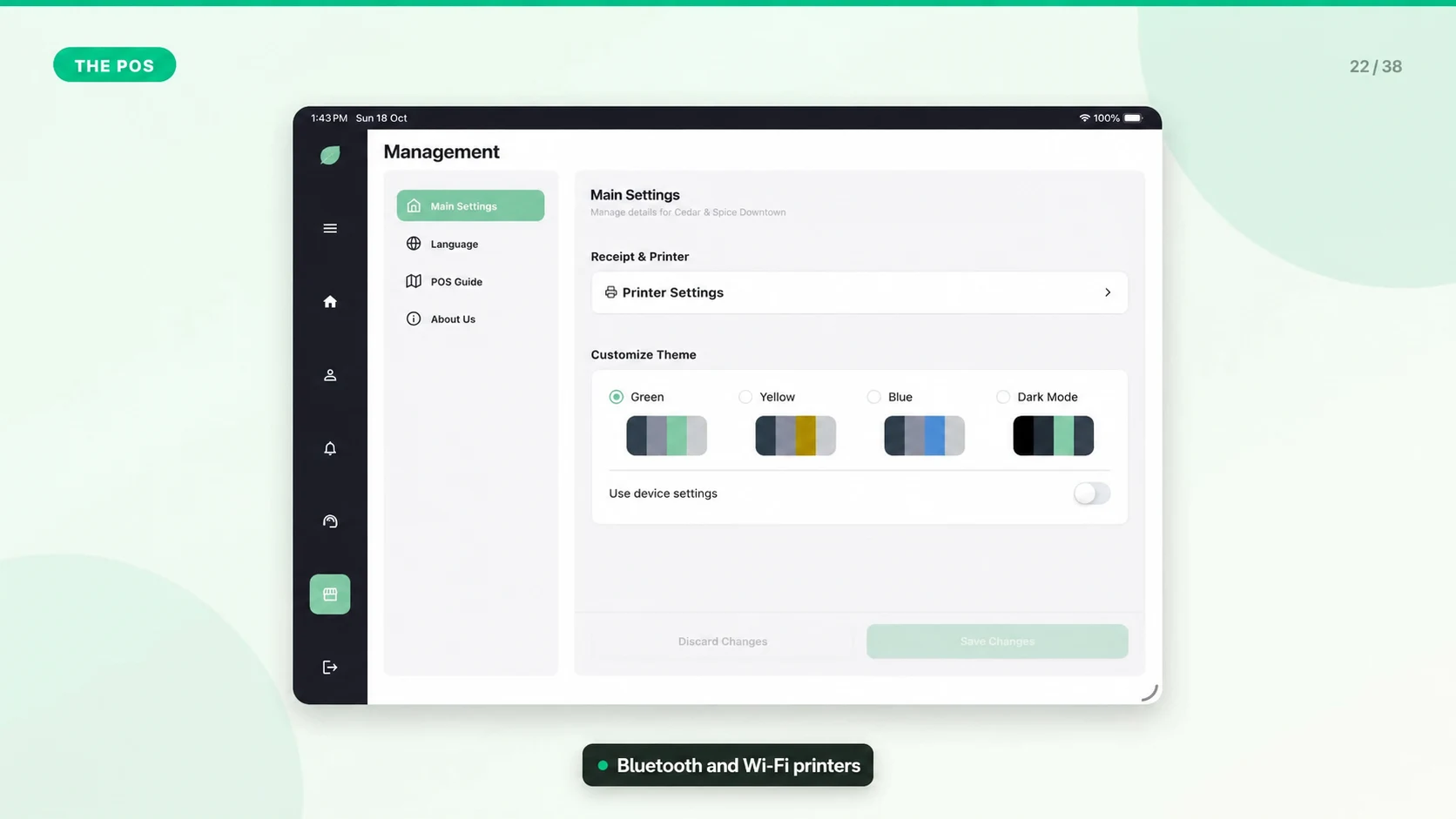
Network and Connectivity Setup
Stable connectivity keeps dashboard data, orders, reports, billing, support tickets, and settings in sync.
Recommended Network Setup
- Use a reliable Wi-Fi network dedicated to business devices when possible.
- Keep the POS tablet close enough to the router for a strong signal.
- Avoid guest networks that block device-to-device communication if you use network printers.
- Keep router firmware and tablets updated.
- Have a backup connection plan for busy shifts.
What Requires Connectivity
- Web dashboard login and most back-office actions.
- Live reports, orders history, billing, and support tickets.
- Syncing POS orders after offline work.
When the Internet Drops
The POS can continue basic sales in offline mode where supported. Keep the app open and powered until connectivity returns and syncing completes.