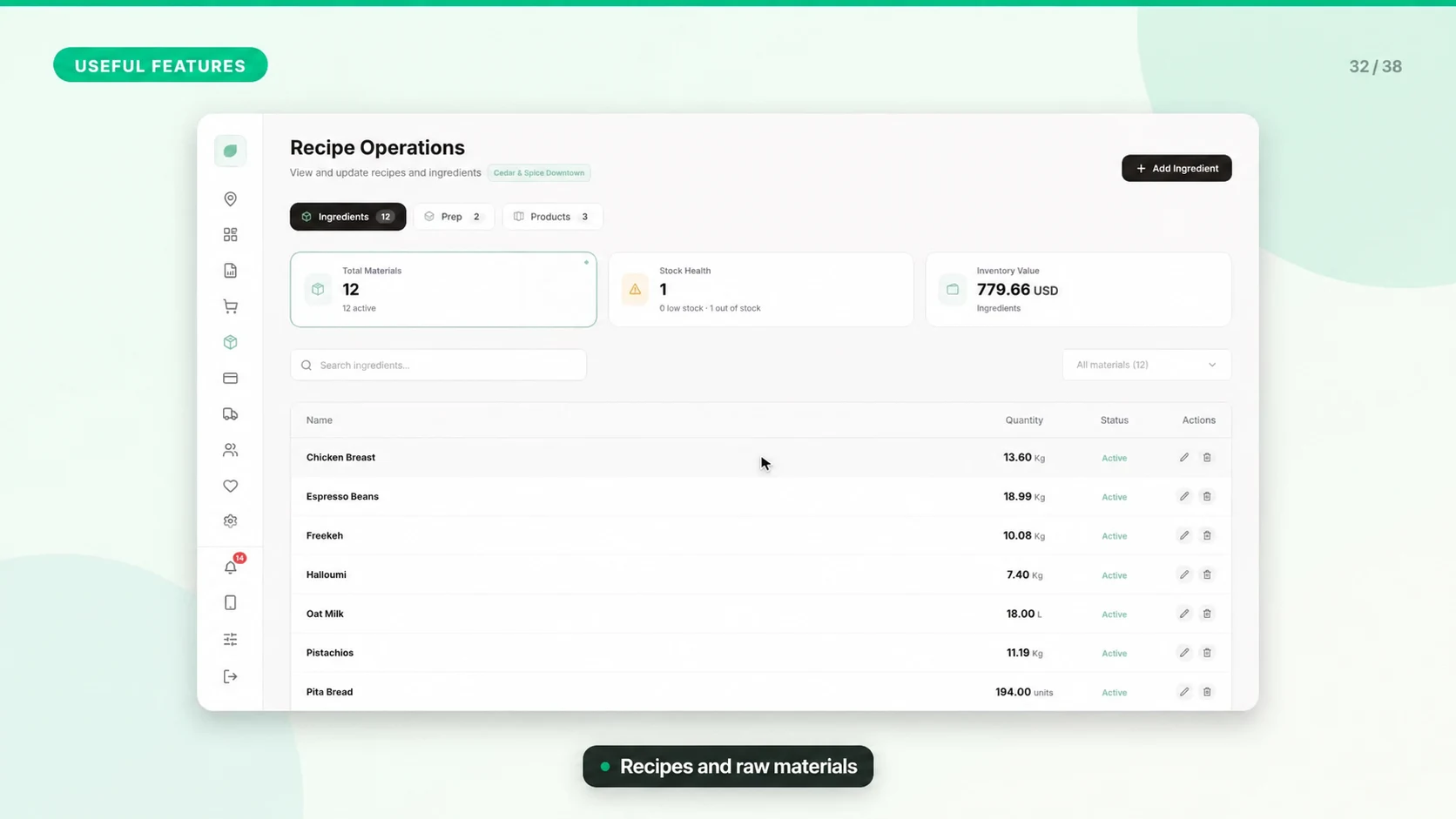
Check Stock, Materials, and Recipe Quantities
Start with the type of stock you need to control: a sellable product, a raw material, or a prepared recipe. Mixing them can make stock adjustments misleading.
Set Up the Stock Model
1. Open the correct establishment and review Products, Stock Management, Materials, and Recipes as applicable.
2. Enable product quantity tracking for items you count as finished sellable units.
3. Create materials with consistent units and costs before building recipes.
4. Create sub-recipes for prepared components and final recipes for products that consume ingredients.
5. Link the intended recipe to the product and test a controlled sale.
Validate One Product First
Record the quantity before a test sale, sell one item, then compare the resulting product and ingredient movements. Repeat with a modifier or variant that changes preparation. Do not assume every product should track both finished quantity and ingredients in the same way.
Receiving and Corrections
Record incoming stock and corrections using the actions available in Stock Management or the relevant material screen. Confirm the quantity, unit, establishment, and reason before saving. Keep supplier evidence for cost changes.
Refunds and Waste
A customer refund does not always mean goods can be sold again. Use restocking only for returned items that should re-enter stock. Handle spoiled, consumed, or discarded goods according to your stock correction workflow.
Investigate a Mismatch
Check duplicate products, unit conversions, recipe quantities, unrecorded preparation, wrong-branch adjustments, and sales waiting to sync. Compare the physical count with stock movement history before making a correction.
Review Regularly
Count important items on a consistent schedule. Review recipe costs after supplier price changes and test updated recipes before using their stock figures for purchasing decisions.