Manage Your Account Settings
Use account settings for owner profile details, security, language preferences, and the establishments your account can access.
What You Can Manage
- Profile details: Update your name, contact details, and account-level business information from the owner account area.
- Password access: Use the password reset flow if you cannot sign in, or change credentials from the account management screen when available.
- Language and theme: Mintcom supports English and Arabic, including right-to-left layout for Arabic.
- Establishment access: Owners can work across multiple establishments and select the active establishment before entering the dashboard.
Where to Go
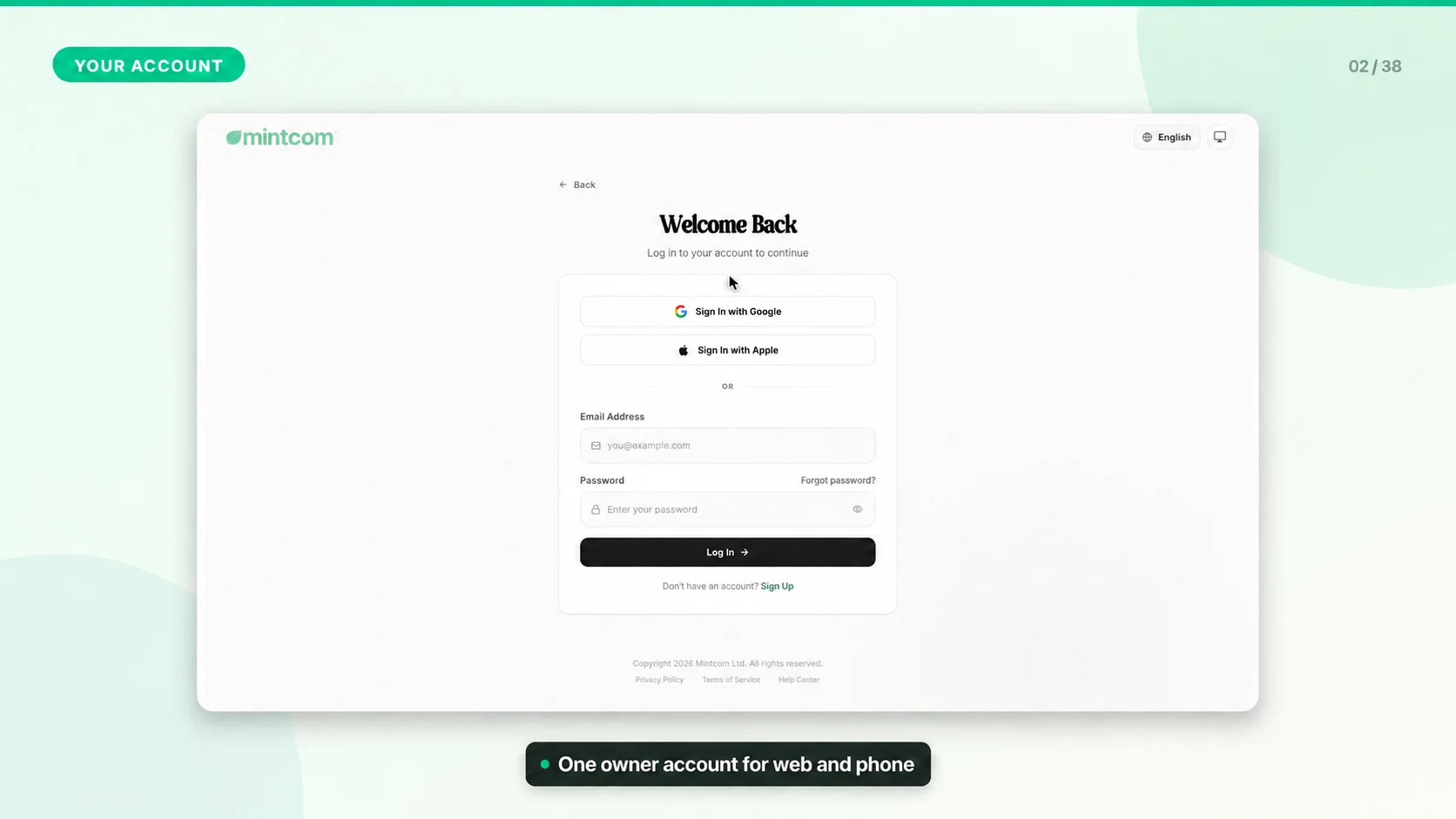
1. Sign in to the web dashboard.
2. Open the Owner Portal if you are managing account-level settings.
3. Use Account Management for profile and security details.
4. Use Establishments, Brands, Employees, Billing, and Roles for business-level management.
Important Notes
- The active establishment is stored per browser tab, so you can work on two establishments in two tabs without mixing data.
- If your session expires, sign in again. Mintcom uses cookie-based authentication for secure web access.
- If you leave the business or change ownership, remove unused staff access immediately.