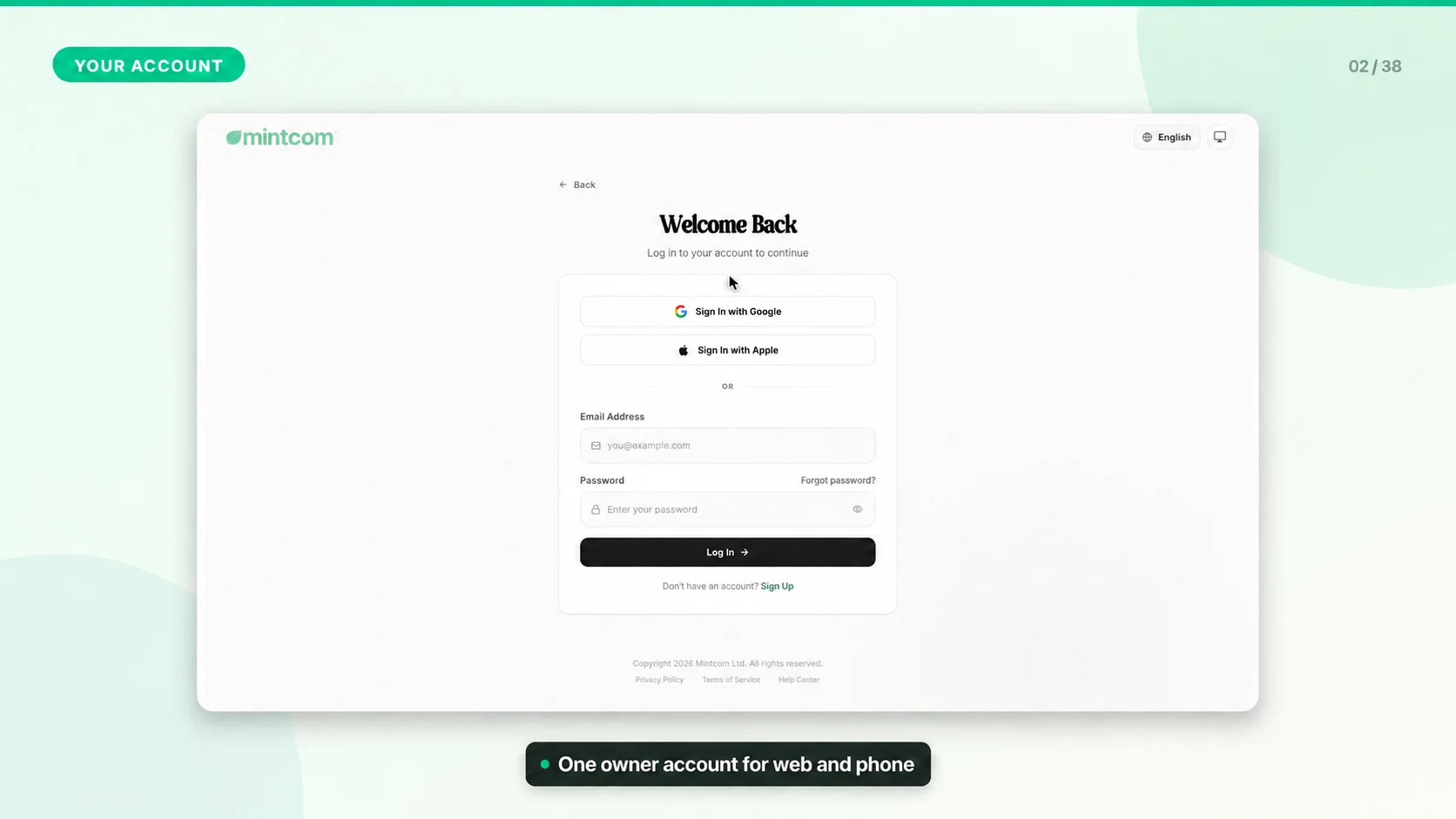
Verifying Email and Resetting Password
Email verification and password recovery keep the business account secure and make sure important billing, ticket, and system messages reach the right person.
Verify Your Email
1. Sign in with the email used during registration.
2. Check the inbox for the verification message.
3. Open the message and select the verification link.
4. Return to Mintcom and refresh the page if the banner still appears.
If the Email Does Not Arrive
- Check spam, junk, promotions, and focused inbox folders.
- Confirm the email address was typed correctly.
- Ask the account owner or admin to verify the correct user email.
- Wait a few minutes before requesting another message.
Reset Your Password
Use the forgot-password flow from the login screen. Choose a strong password that is not reused on other business tools.